Call Anytime 24/7
Mail Us For Support
info@vectratechnologiesuae.comOffice Address
Sheikha Mahra Ahmed Al-Ghuraer – Al-Qusais 2 – Office No. M113-0213 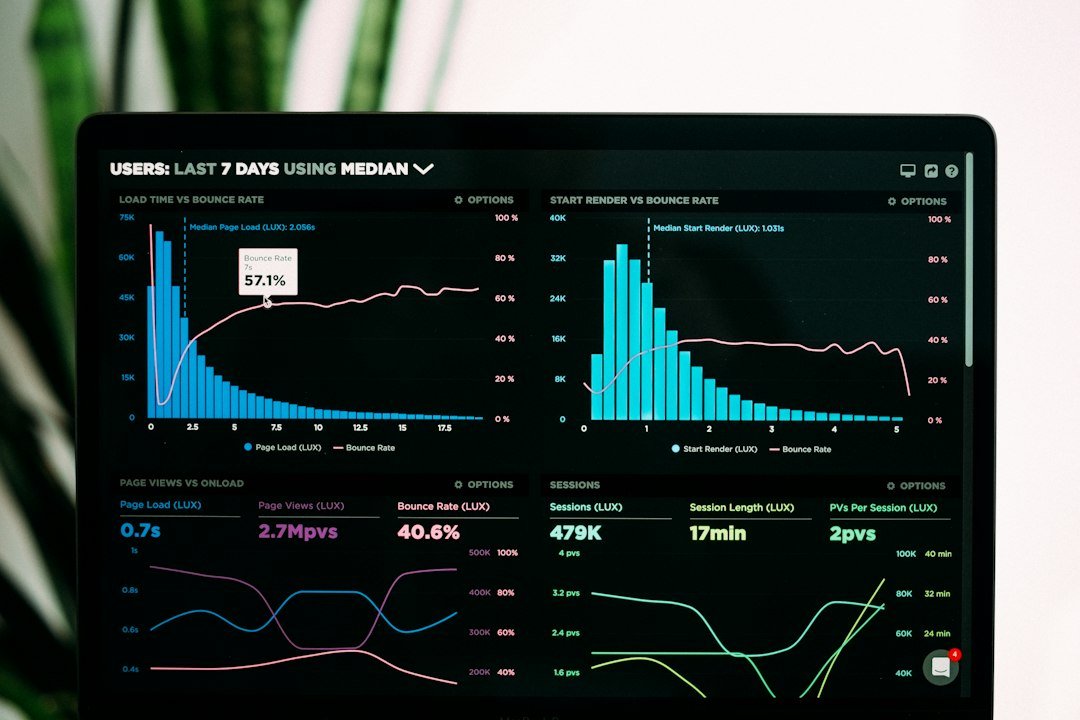
Connecting Odoo ERP to Power BI can turn operational data into management information—but the quality of the result depends far more on architecture than on dashboard design. A useful integration must answer three questions correctly: which Odoo records should be extracted, how changes should be synchronized, and where reporting logic should live so that finance, sales, inventory and management dashboards remain accurate as transaction volumes grow.
For UAE businesses using Odoo ERP, Power BI can provide a stronger analytics layer for consolidated KPIs, trend analysis and executive reporting. The objective should not be to copy every Odoo table into Power BI. It should be to create a controlled reporting model that preserves the meaning of Odoo transactions.
Before choosing an API, gateway or database, define the reporting outcomes. Typical Odoo-to-Power-BI requirements include revenue and margin by customer, salesperson or product; receivables ageing and DSO; collections versus target; inventory value and movement; purchase spend; project profitability; branch or company comparisons; and management P&L analysis.
That list determines which Odoo business objects are actually required. For example, a sales dashboard may need customers, sales orders and sales order lines, while an accounting dashboard may depend on posted journal entries, journal items, account mappings and analytic dimensions. The reporting model should follow the business process rather than exposing raw technical tables directly to end users.
If you are comparing the technical patterns themselves, see our dedicated Odoo to Power BI architecture decision guide covering API extraction, reporting databases, warehouses and DirectQuery trade-offs.
| Approach | Best fit | Main advantage | Main limitation |
|---|---|---|---|
| Odoo API → Power Query → Power BI Import | Smaller, controlled models | Low infrastructure overhead | API pagination, refresh and transformation logic can become complex |
| Odoo API → ETL/integration layer → SQL/warehouse → Power BI | Most growing businesses | Reliable history, reconciliation and scalable reporting | Requires an additional data layer |
| Read-only database replica → Power BI | Advanced self-hosted deployments | High-volume access | Must be isolated from the production ERP and governed carefully |
| Scheduled exports → SharePoint/CSV → Power BI | Simple periodic reporting | Easy to understand | Weak for automation, auditability and near-real-time reporting |
For most production environments, Vectra recommends separating the ERP transaction system from the analytics workload. An integration or staging layer can extract only the required fields, preserve history, handle failed jobs and give Power BI a clean relational source. This also makes the reporting solution easier to test when Odoo is upgraded or customized.
Odoo 19 introduced the External JSON-2 API at the /json/2 endpoint. Odoo’s current documentation positions JSON-2 as the replacement for the older XML-RPC and JSON-RPC interfaces, which are deprecated in Odoo 19. For a new Odoo 19 integration, that makes JSON-2 the sensible starting point rather than building new dependencies on the legacy RPC endpoints.
The JSON-2 API uses HTTP requests with a bearer API key and exposes Odoo model methods such as search_read. Odoo also provides database-specific API documentation through the database’s /doc page, which is important because installed modules, custom fields and permissions differ from one implementation to another.
For Odoo Online, Odoo’s official documentation states that external API access is available on the Custom pricing plan and is not included with One App Free or Standard. Confirm the deployment model and subscription before making an API-based BI architecture part of the project scope. See the Odoo 19 External JSON-2 API documentation.
A robust production pattern is:
Odoo → controlled extraction → staging/data warehouse → Power BI semantic model → reports.
The staging layer should keep the Odoo record ID, company, business date, creation timestamp and last-modified timestamp where relevant. It should also maintain extraction logs, row counts and a last-successful-sync marker. This gives the implementation team something concrete to reconcile when a dashboard total does not match Odoo.
This design is especially useful when reporting spans multiple Odoo applications or needs data from other systems. Vectra’s system and API integration service can be used to design that controlled data movement rather than embedding all integration logic inside a Power BI file.

Power BI performs best when the semantic model is designed for analytics. A practical structure often uses dimensions for customers, products, salespeople, companies, dates and accounts, with fact tables for sales, invoices, journal lines, payments, inventory movements or project transactions.
For example:
This is where business definitions should be standardized. “Revenue,” “open receivables,” “gross margin” and “inventory value” must be defined once and reconciled to agreed Odoo reports before executives rely on them.
Repeatedly downloading the entire Odoo history is inefficient and increases the risk of failed refreshes. A better design extracts records changed after the last successful synchronization and then deliberately reprocesses a short overlap period to capture late updates, backdated postings or corrected transactions.
Power BI also supports incremental refresh policies. Microsoft explains that incremental refresh partitions historical and recent data so only the required refresh period is processed. For web-based sources, date filters can be passed through the HTTP request, although this requires careful testing to ensure the source filtering actually happens before the data reaches Power BI. See Microsoft’s incremental refresh guidance.
For an Odoo API integration, Import mode is normally the more natural Power BI pattern: data is extracted, transformed and stored in the semantic model, then refreshed on a schedule. Microsoft documents that shared-capacity semantic models can have up to eight scheduled refreshes per day, while Premium, Premium Per User and Fabric capacities can support up to 48 scheduled refreshes per day.
DirectQuery is more appropriate when Power BI is querying a supported relational analytics source such as SQL rather than calling Odoo’s transactional API for every user interaction. If the reporting source is on a private network, Power BI may require an on-premises data gateway; cloud sources that Power BI can reach directly do not necessarily require one. Microsoft’s current Power BI refresh documentation explains these connectivity and gateway scenarios.
Do not use a senior employee’s personal Odoo credentials for a production BI connection. Create a dedicated integration identity with only the access needed for reporting, protect its API key, and document who owns rotation and incident response.
The same principle applies to the analytics database and Power BI workspace. Separate development from production, control who can publish semantic models, and use Power BI row-level security when different teams or legal entities should see different subsets of the data.
For multi-company Odoo environments, company context must also be tested carefully. A report that accidentally excludes one entity—or combines entities with different currencies or accounting structures without an agreed conversion rule—can look technically correct while being commercially wrong.
A Power BI dashboard is not accepted because it looks attractive. It is accepted when the underlying numbers reconcile. UAT should compare selected periods and transactions back to Odoo for sales, invoices, credit notes, receipts, receivables, inventory and finance totals.
The same controls used in an Odoo UAT programme should extend to the BI layer: defined expected results, named owners, exception logging and retesting. Data-migration discipline also matters; our Odoo data-preparation guide explains why clean master data is critical before analytics is built on top of it.
Once the integration is stable, useful dashboard families can include executive sales and margin reporting, customer profitability, accounts receivable ageing, collection performance, cash-flow indicators, inventory ageing, purchase analysis, project profitability, branch performance, company-level finance and VAT-oriented management views.
The visualization layer should remain focused. Management usually benefits more from a small number of reconciled KPIs with drill-through than from dozens of charts created directly from raw ERP fields. Vectra’s Power BI and data analytics service covers model design, dashboard development and reporting governance.
There is no single best connector for every Odoo deployment. For a smaller reporting model, a supported Odoo API integration into Power Query may be sufficient after confirming the Odoo version, hosting model, subscription and API permissions. For finance-grade, multi-company, high-volume or frequently refreshed reports, a controlled integration layer and reporting database or warehouse is often more reliable. Compare each option on data access, incremental refresh, custom fields, security, history, recovery and reconciliation—not on connector price alone. Our Odoo–Power BI architecture comparison explains when to use each approach.
“Real-time Odoo data in Power BI” can mean very different things. A scheduled Import model shows the last successfully refreshed snapshot, not every live Odoo transaction. A more current view may use frequent incremental extraction into a reporting database and, where appropriate, Power BI DirectQuery against that supported analytical source. For finance reporting, agree a specific freshness target, timestamp each load, monitor failed synchronisations and reconcile figures against Odoo before promising real-time dashboards. See our Odoo–Power BI architecture guide for the trade-offs.
Yes, an integration can retrieve Odoo data through an external API and load it into Power BI, but direct API-to-Power-BI architecture is best kept to controlled use cases. For larger or more critical reporting, a staging database or warehouse usually provides stronger performance, history and reconciliation.
Not always. If Power BI can reach the cloud data source directly, a gateway may not be required. If the source or staging database is on a private network that Power BI cannot access directly, a gateway is typically required.
For a new Odoo 19 project, JSON-2 is the forward-looking external API. Odoo marks the older XML-RPC and JSON-RPC endpoints as deprecated in version 19.
Vectra Technologies can design the complete reporting flow—from Odoo data mapping and API integration through staging, reconciliation, semantic modelling and executive dashboards. Contact Vectra Technologies to review your Odoo version, reporting requirements, user groups and refresh expectations before selecting the integration architecture.