AI Automation • Odoo ERP • Managed IT ServicesBook Consultation

Vectra Technologies delivers AI automation, Odoo ERP implementation, and managed IT services designed for growth-focused businesses in the UAE.

Office Hours: 09:00am-6:00pm


Call Anytime 24/7


Office Address

Sheikha Mahra Ahmed Al-Ghuraer – Al-Qusais 2 – Office No. M113-0213
Odoo Payroll UAE: WPS SIF & Bank Reconciliation Checklist

  • Home
  • HR & HRMS
  • Odoo Payroll UAE: WPS SIF & Bank Reconciliation Checklist
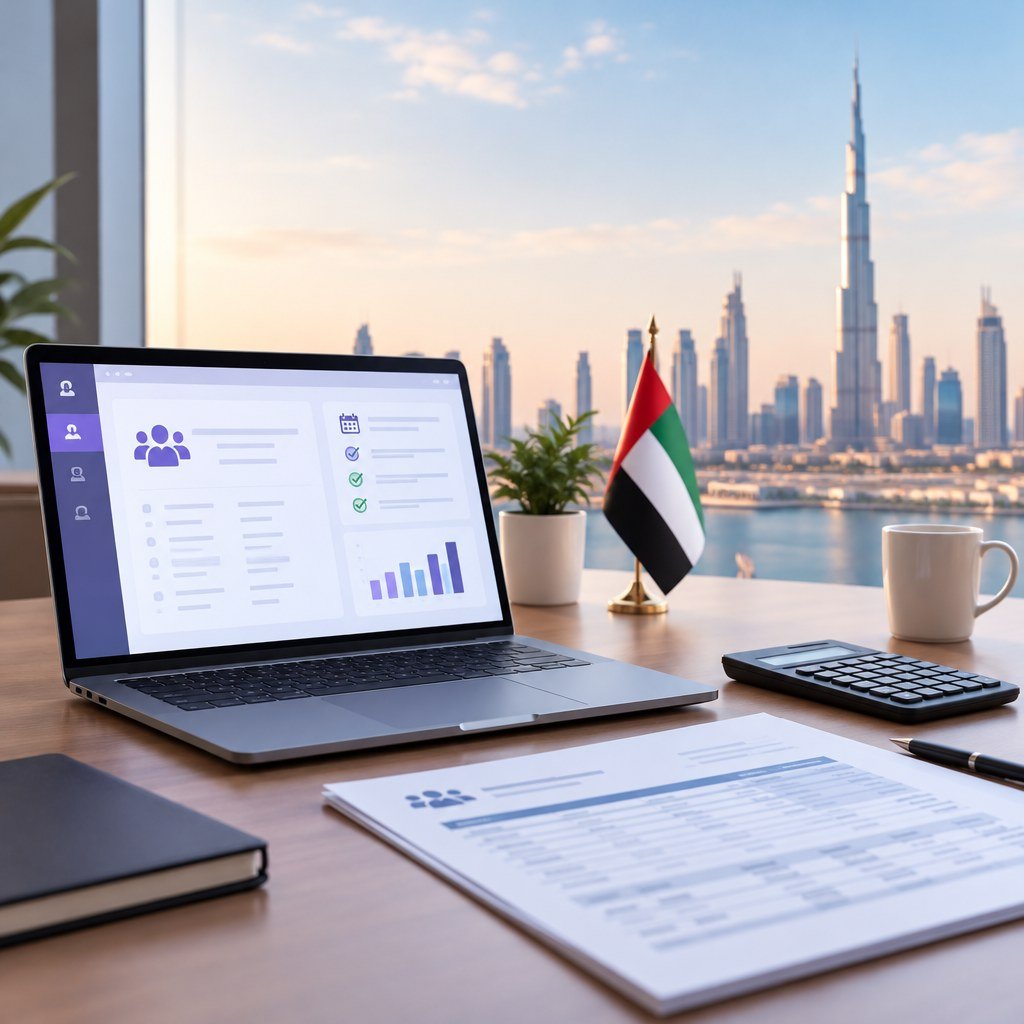
Odoo Payroll UAE WPS salary file review and payroll controls

Short answer: To run UAE payroll through the Wage Protection System (WPS) in Odoo, install the UAE payroll localisation, map the employer and employee identifiers the bank expects, generate a Salary Information File (SIF) from approved payslips, and reconcile the bank debit against the salary payable account before closing the month. The file must match the approved payroll exactly. Treat any gap between the SIF total and the bank debit as an exception to investigate, never as a rounding difference.

This guide is for UAE and Dubai finance, HR, and payroll teams who are implementing or tightening Odoo Payroll for WPS. It covers the 2026 regulatory change, the data you must map, how a SIF is structured, a seven-step payroll-to-bank workflow, a worked reconciliation exception, and a UAT matrix you can reuse.

Odoo Payroll UAE WPS salary file review and payroll controls
Payroll and finance teams should review WPS output together before release.

What Changed for WPS in 2026

Ministerial Resolution No. 340 of 2026 on the Wage Protection System took effect on 1 June 2026, as outlined in Morgan Lewis’s legal analysis and the MoHRE statement published by WAM on 4 June 2026. Points that matter for your Odoo configuration:

  • Due date: for entities within MoHRE’s scope, wages are due on the first day of the following Gregorian month. Plan your payroll calendar so payslips are approved and the SIF is submitted ahead of that date, not on it.
  • The 85 percent threshold is not a waiver. The resolution refers to an 85 percent compliance threshold. It does not reduce what you owe. Every employee’s full wage remains payable, and your reconciliation should track 100 percent of approved net pay.
  • Free zone scope varies. Some free zones operate their own employment and wage rules. Confirm with your free zone authority and your bank which WPS process applies to each legal entity before configuring Odoo.

For the baseline employer obligations, see the UAE government page on payment of wages in the private sector. For how banks process WPS salary files, Dubai Islamic Bank’s wages protection service page is a representative example of an agent’s offering.

What Odoo Supports Out of the Box

The Odoo 19 UAE payroll localisation documentation describes two modules:

  • l10n_ae_hr_payroll: UAE salary structures, rules, and WPS SIF generation.
  • l10n_ae_hr_payroll_account: accounting integration that posts payslip journal entries to your UAE chart of accounts.

The documentation covers configuring the company’s employer ID, the bank’s nine-digit routing code, and employee identifiers, then generating a SIF containing EDR, EVP, and SCR records. Odoo Payroll is an Odoo Enterprise application, so confirm your edition and licence before scoping. If you are still selecting an HR platform, our overview of HR software in the UAE with Odoo HRMS explains how payroll fits with attendance, leave, and contracts. For upstream employee records, shift approvals, leave balances and handover UAT, see the HRMS implementation UAE attendance-to-payroll checklist.

Mapped Data Checklist

Most rejected SIFs trace back to master data, not payroll rules. Validate every field below before the first live run.

Data itemWhere it livesValidation check
Employer IDCompany settingsMatches the MoHRE establishment record for that legal entity
Employer bank routing codeCompany bank configurationExactly nine digits; confirmed in writing by the paying bank
Employer IBANCompany bank account / payroll journalSame account the bank will debit and the statement will show
Employee identifierEmployee recordUnique, no spaces, matches MoHRE / labour record
Employee bank routing code and IBAN or cardEmployee bank accountRouting code belongs to the employee’s bank or exchange house
Fixed vs variable paySalary rules and structureEach rule tagged so totals land in the correct SIF column
Leave daysTime off / work entriesValidated before payslip computation, not after

Anatomy of a WPS SIF

A SIF is a structured text file the bank or exchange house uses to pay employees and report to the WPS. It has three record types:

  • EDR (Employee Detail Record): one line per employee with identifier, routing code, account, pay period dates, days paid, fixed salary, and variable salary.
  • EVP (Employee Variable Pay): breakdown of variable components where your bank requires it.
  • SCR (Salary Control Record): one closing line with employer ID, employer routing code, record count, total salary, and currency.

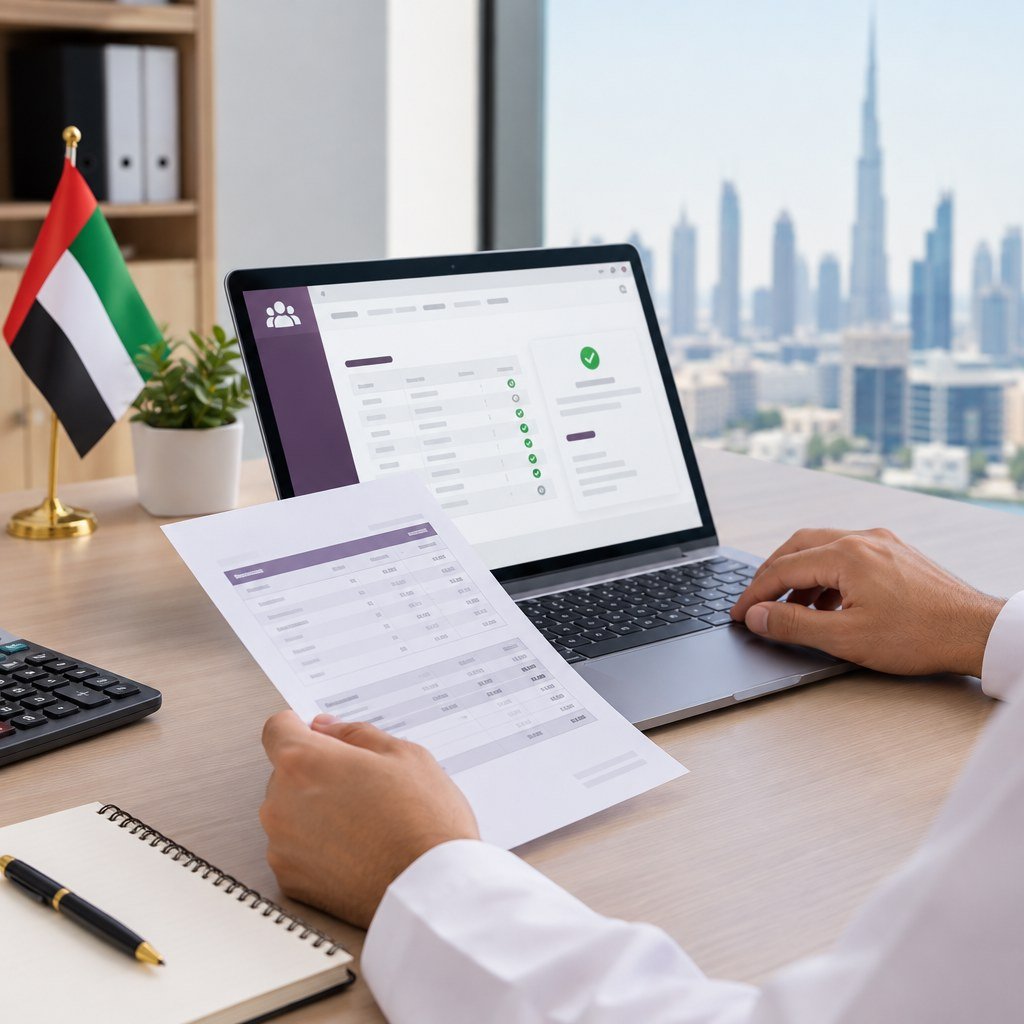
The SCR is your first control. Its record count must equal the number of EDR lines, and its total must equal the sum of EDR amounts. If either fails, do not upload.
UAE WPS SIF control record and employee payroll validation
Check the control record totals against EDR lines before any upload.

Seven-Step Payroll-to-Bank Workflow

  1. Lock inputs. Set a cut-off for leave, attendance, overtime, and joiner/leaver changes. Late changes go to next month or a documented off-cycle run.
  2. Compute and review payslips. Run the batch and compare headcount and gross against last month. Investigate any employee whose net moved beyond your agreed tolerance.
  3. Approve. HR confirms inputs; finance confirms totals. Record both approvals in Odoo.
  4. Post accounting. Validate payslips so l10n_ae_hr_payroll_account posts expense and salary payable entries.
  5. Generate the SIF. Produce the file only from the approved, locked batch. Check SCR count and total.
  6. Submit and track. Upload through the bank or agent portal, save the acknowledgement, and log any rejected lines.
  7. Reconcile and close. Match the bank debit to salary payable, clear exceptions, and archive the SIF, approvals, and bank response.

Bank Reconciliation: A Worked Exception

Illustrative example, not a client case. A Dubai company runs payroll for 43 employees. The approved batch and salary payable show AED 310,200. The bank statement shows a WPS debit of AED 310,000, leaving AED 200 open.

How to investigate:

  • Open the submitted SIF. If the SCR shows AED 310,000 with 43 records, the file itself differs from Odoo, so someone changed payroll after generation or the file was edited manually.
  • Compare EDR lines against payslip net pay. In this scenario one employee’s payslip includes an AED 200 overtime correction approved after the SIF was produced.
  • If the SCR shows 42 records, the bank rejected a line. Check the rejection report for an invalid routing code or IBAN.

Resolution: pay the AED 200 through a documented supplementary payment, reconcile it against the same payable, and add a control that blocks payslip edits once the SIF exists. Never write off the difference to bank charges. Fees should appear as a separate statement line.
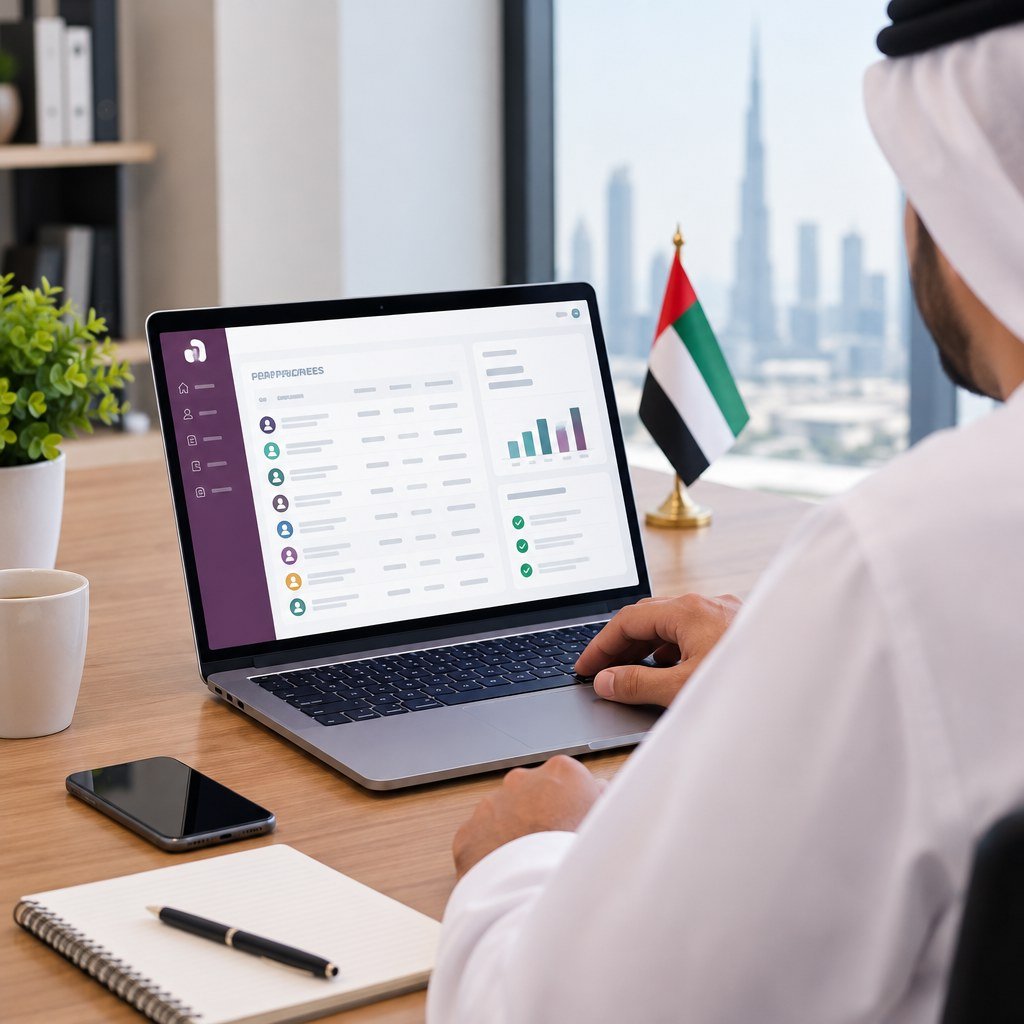
💡 Tip: Use a dedicated salary payable account per legal entity. A non-zero balance after reconciliation is then an instant signal that someone was unpaid or overpaid.
Bank reconciliation of UAE payroll and salary payable in Odoo
A reconciled salary payable balance helps identify unpaid wages, but final bank confirmations remain essential.

UAT Matrix: Eight Cases to Test Before Go-Live

Run these in a staging database with realistic data. Our broader Odoo UAT checklist for UAE projects covers sign-off format and defect tracking.

#ScenarioExpected result
1Mid-month joinerProrated pay; EDR dates and days match contract start
2Leaver with final settlementFinal amounts calculated, approved, and included correctly
3Unpaid leave daysDeduction applied; leave days reported in EDR
4Missing or eight-digit routing codeSIF generation blocked or flagged before upload
5Overtime and allowancesAmounts land in variable pay, not fixed salary
6Payslip edited after SIF generationEdit blocked or forces regeneration with audit trail
7Bank rejects one employee linePayable stays open for that employee; repayment reconciles cleanly
8Two legal entities, different employer IDsSeparate SIFs, journals, and payable accounts per entity
Business users testing Odoo Payroll UAE WPS scenarios before go-live
Business users should run payroll test cases, not only the implementer.

Human Approvals and Data Security

Automation reduces errors, but WPS accountability stays with people. Define who does what:

✅

HR approval

Confirms contracts, leave, joiners, leavers, and employee bank details before computation.

📊

Finance approval

Checks totals, variances, and SCR controls, then releases the SIF for upload.

🔑

Bank authoriser

A different person from the file preparer authorises payment in the bank portal.

For security, restrict Payroll access rights to named users, require two-factor authentication, and keep employee bank changes under a separate approval so one person cannot change an IBAN and run payroll. Store SIFs in Odoo with restricted access rather than on shared drives or email, and keep a retention period agreed with your auditors.

Frequently Asked Questions

Does Odoo Community include payroll for WPS?

Do not plan on it. The UAE payroll localisation documented by Odoo is part of the Payroll app in Odoo Enterprise. Confirm edition and licensing before scoping.

Can we pay 85 percent of wages and stay compliant?

No. The 85 percent figure in the 2026 resolution is not a waiver. All wages owed remain payable in full and on time.

Our company is in a free zone. Does the new resolution apply?

It depends on the free zone and its own regulations. Confirm with the free zone authority and your bank, and configure each entity accordingly.

Can one Odoo database handle several establishments?

Yes, with multi-company setup. Each entity needs its own employer ID, bank routing configuration, payroll journal, and SIF.

What should we do if the bank rejects some EDR lines?

Leave those employees’ payables open, fix the master data, pay through a supplementary run, and reconcile it against the original liability.

Summary and Next Step

Reliable WPS payroll in Odoo comes down to clean master data, a locked approval sequence, SCR controls on every SIF, and a salary payable account that reconciles to zero each month. Align your payroll calendar with the first-of-month due date under Resolution No. 340 of 2026, confirm free zone scope, and run the eight UAT cases before go-live. If you need a partner to configure the localisation, bank formats, and controls, see how we work as an Odoo implementation company in the UAE.


Get Your Odoo WPS Payroll Reviewed

Contact Vectra Technologies

Leave A Comment

Your email address will not be published. Required fields are marked *

Book Free Consultation